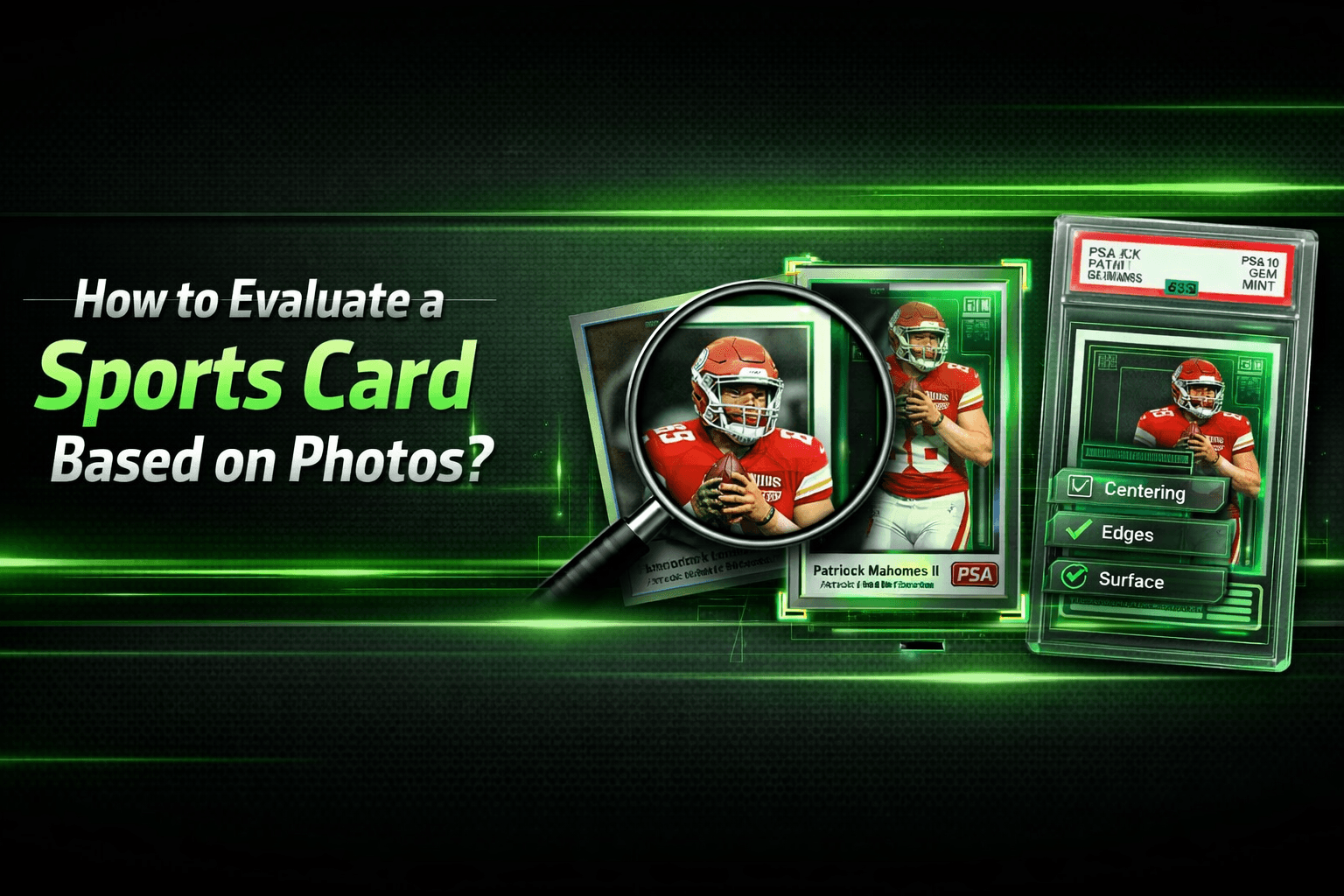
How to Evaluate a Sports Card Based on Photos?
Learn how to evaluate sports cards from photos, spot red flags fast, and avoid costly buying mistakes—read the guide now.
You find a 1989 Upper Deck Ken Griffey Jr. listed online for a price that feels almost too good to be true. Before you click Buy It Now, you need to look past the player and inspect the card itself. Learning how to evaluate a sports card based on photos is one of the most important skills in the hobby because it helps you separate a hidden gem from an expensive mistake.
Even though professional graders may use magnification and specialized tools, a skilled collector can judge a large part of a card’s condition just by studying clear images. You do not need expensive equipment to get started. You just need a method. Most photo-based evaluations come down to the Big Four: centering, corners, edges, and surface.
For collectors who want a second opinion, an AI card grading app can also help validate what your eyes are seeing before you buy.
Beyond the Blur: How to Spot Red-Flag Photos and Lighting Tricks
A great deal can make you want to move fast, but poor listing photos are often a warning sign. Some sellers use bad lighting, awkward angles, or low resolution to hide flaws that would be obvious in a better image. Before you evaluate the card, evaluate the photos.
Be cautious if you see:
- Blurry corners: The camera may have focused elsewhere to hide soft edges.
- Angled shots: Extreme tilts can distort proportions and hide creases or dents.
- Low resolution: If you cannot zoom in clearly, you cannot inspect the card properly.
- Excessive glare: Bright reflections may be covering scratches or surface wear.
Natural, even lighting is usually the most helpful. Flat scans can be useful for checking centering, but they often hide surface issues. If the seller only provides overly bright or low-quality images, assume you are not seeing the full story. This is especially important when buying raw cards online, which is why this eBay buying guide for sports cards is a helpful companion.
Once you have a clear and honest image, the first place to look is the card’s frame.
The Perfect Frame: Master Centering and Corner Checks From a Scan
Centering is one of the easiest flaws to spot in a photo, yet many buyers still miss it. Think of the card image like a picture inside a frame. If one border is much thicker than the opposite side, the card is off-center, and that can significantly lower the grade.
Collectors often describe centering with ratios such as 60/40 or 55/45, but you do not need precise tools to spot serious imbalance. Just compare left to right and top to bottom. If one side looks obviously thicker, the card is not a premium-grade candidate.
If you want help estimating whether a card has strong grading upside, an AI card grader can help measure border balance more objectively.
After centering, move to the corners. Corners are one of the most fragile parts of the card and often reveal wear quickly. Look for:
- Rounded tips
- Whitening
- Fraying
- Soft or “mushroomed” corners
A clean corner should look sharp and distinct. If the card is shown inside a sleeve or top loader, be careful. Plastic reflections can make a soft corner look cleaner than it really is.
Surfaces and Edges: Using the Glare Technique to Find Hidden Scratches
Surface and edge defects are often harder to judge than centering, especially in online listings. Flat scans may make a card look perfect, while angled light can reveal scratches, dimples, gloss loss, or print lines.
This is where the glare technique matters. If a seller tilts the card under light, the reflection should move smoothly across the surface. Interruptions in the reflection often suggest flaws such as:
- Dimples: Small indentations that break the reflection
- Spider-web scratches: Fine surface lines visible only in angled light
- Gloss loss: Dull areas where the finish has worn down
- Print lines: Common on chrome, refractor, and other shiny cards
If the seller does not provide angled photos, ask for them. Surface flaws are often the reason a card misses a top grade. This is especially true for shiny cards, which is why understanding how AI is transforming card grading can be useful when you need more than just a visual guess.
Next, inspect the edges. Look closely for whitening, chipping, and rough cuts, especially on dark-bordered cards where damage stands out more clearly. Even minor edge wear can drag down eye appeal and grade potential.
For more context on how these flaws affect professional outcomes, see PSA grades explained.
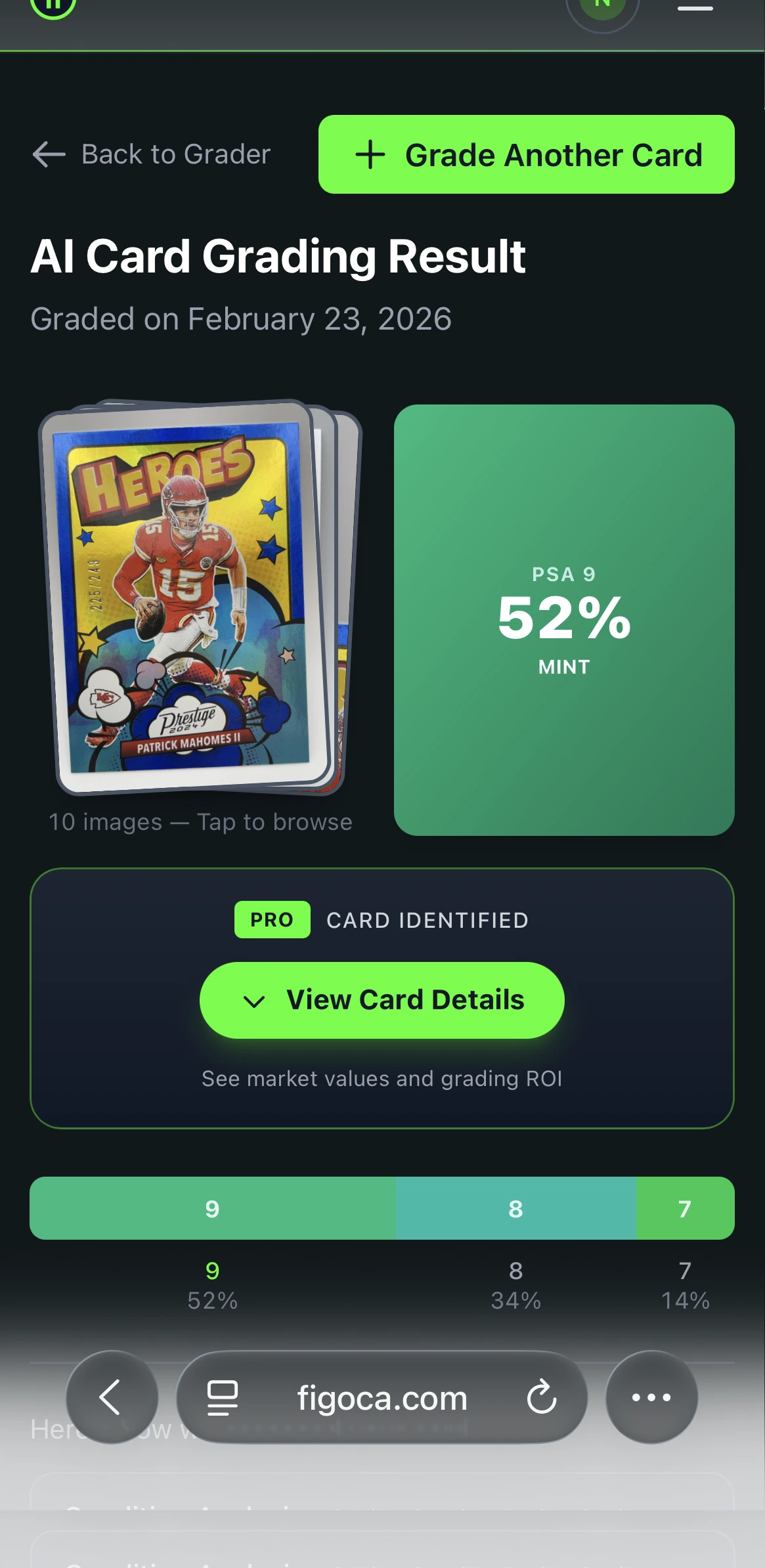
AI Card Grader
Know your card's grade before you submit
Snap a photo with your phone and get an instant AI-powered grade estimate. Check centering, corners, edges, and surface — just like the pros.
- Instant grade estimate
- Sub-grades for all 4 pillars
- Built-in ROI calculator
- Free to use
Is It Real or Doctored? How to Detect Trimmed Edges and Paper Loss Online
A sharp-looking card is not always an original-looking card. Some altered cards are trimmed to make the edges and corners appear cleaner than they actually were. Others may have hidden paper loss or recoloring.
Potential warning signs include:
- Borders that look unusually narrow
- Edges that appear unnaturally sharp for the card’s age
- Strange spacing inside a holder
- Back damage that looks flat, fuzzy, or irregular instead of reflective
Paper loss often shows up on the back of vintage cards, especially cards that were once glued into scrapbooks. If a seller says “see photos for condition,” take that as a cue to inspect every detail.
Some alterations are hard to catch from photos alone. If the card is expensive, you should be extra cautious. Fraud and slab manipulation are part of the hobby, which is why resources like fake PSA slabs: 60-second check and the PSA cert checker can also be useful in your research process.
Level Up with Tech: Why an AI Trading Card Grading Tool Is Your Secret Weapon
Even experienced collectors can misjudge a card when they are viewing it on a phone screen or working from imperfect listing photos. That is where an AI trading card grading tool becomes useful.
Instead of relying only on instinct, AI can help analyze:
- Border alignment
- Visible corner wear
- Edge irregularities
- Surface defects in photos
It does not replace professional authentication or grading, but it can act as an objective second opinion before you spend money. For collectors who buy raw cards online, that extra layer of review can reduce the chances of overpaying for a weak copy.
If the card does look promising, the next question is often whether grading makes financial sense. In that case, a grading expected value calculator and guides like is your card worth grading? can help.
Your Pre-Purchase Checklist: How to Buy With More Confidence
When you know how to evaluate a sports card based on photos, you stop shopping emotionally and start buying strategically. Instead of focusing only on the player or the price, you inspect the actual condition signals that determine value.
The 30-Second “Should I Buy?” Checklist
- Lighting: Is glare hiding scratches or dents?
- Corners: Do they look sharp or soft?
- Centering: Are the borders balanced on all sides?
- Edges: Is there whitening, chipping, or roughness?
- Surface: Are there print lines, dimples, or gloss issues?
- Photo Quality: Can you zoom in clearly enough to judge the card?
If the seller’s photos leave too much uncertainty, walk away. One of the most valuable skills in the hobby is not finding deals. It is avoiding bad ones.
If you want extra support before buying or submitting a card, start with the figoca AI card grading app and review likely condition issues before making your next move.

Card enthusiast, figoca founder, and independent software developer
Nico is a card enthusiast who built figoca after running into the same problems many collectors face: uncertain pre-grading decisions, too much tab switching for comps, and no fast way to price cards on the go. He is also a big Kansas City Chiefs fan (❤️💛), follows the Kansas City Royals (💙), and enjoys Formula 1 and Golf.
- Sports Card enthusiast
- Founder of figoca
- Independent software developer with a TypeScript and AWS background